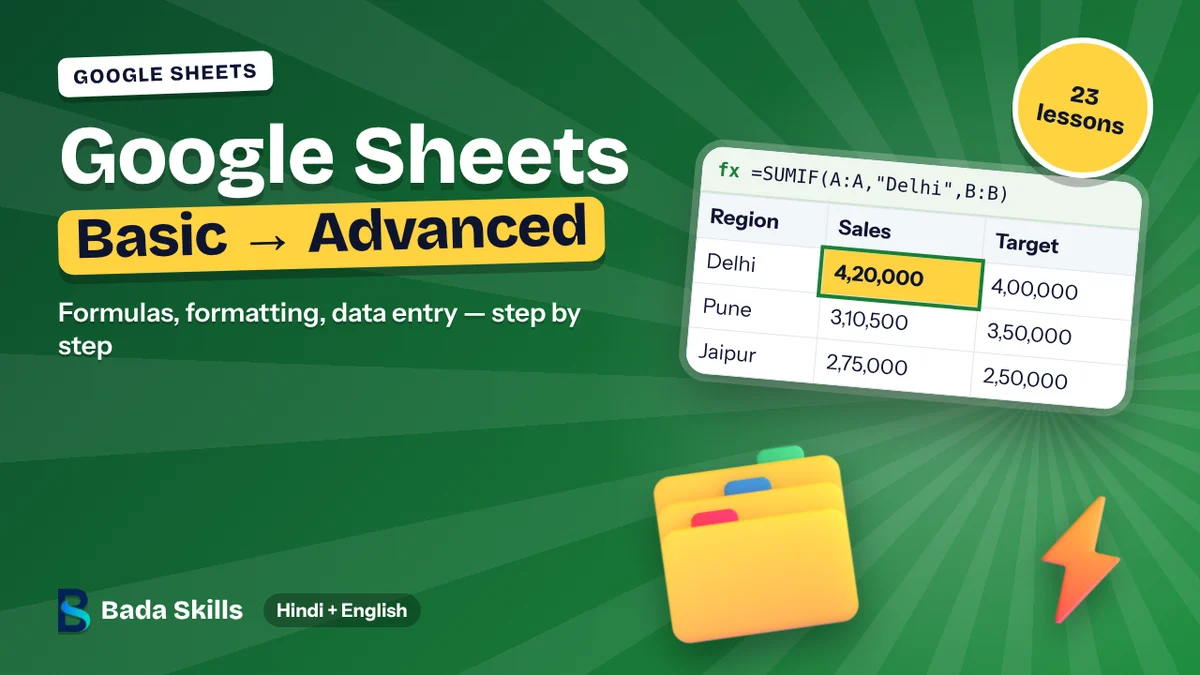
Google Sheets Mastery: Beginner to Advanced course thumbnail
Excel & SheetsBeginner to AdvancedHindi + English

A Bada Skills course

Google Sheets Mastery: Beginner to Advanced

Learn Google Sheets from the first cell to Pivot Tables, IMPORTRANGE, Apps Script and AI. 23 video lessons.

₹799₹1,999Save 60%

Secure payment on learn.badaskills.com, the official Bada Skills learning platform

What you'll learn

  • Enter, format, sort and filter data
  • Use VLOOKUP, XLOOKUP, IF, COUNTIF and SUMIF
  • Build Pivot Tables, charts and sparklines
  • Add dropdowns, protect sheets and share safely
  • Link sheets with IMPORTRANGE and Google Forms
  • Automate with Apps Script, ARRAYFORMULA and AI

Who this course is for

  • Students, office staff, small business owners and anyone who works in Google Sheets.

Course content

1 section23 videos1 hr total

1Course content23 videos
  1. Interface & Navigation
  2. Creating & Managing Spreadsheets
  3. Data Entry, Editing & Autofill
  4. Formatting & Cell Styles
  5. Basic Formulas & Functions
  6. Sorting & Filtering
  7. Freeze Rows & Columns
  8. Charts & Data Visualization
  9. Sharing & Permissions
  10. Downloading & Exporting
  11. VLOOKUP, HLOOKUP & XLOOKUP
  12. IF, COUNTIF & SUMIF
  13. Conditional Formatting
  14. Pivot Tables & Pivot Charts
  15. Data Validation & Dropdowns
  16. Named Ranges & Protected Sheets
  17. IMPORTRANGE & Cross-Sheet Linking
  18. Advanced Charts & Sparklines
  19. Collaboration & Version History
  20. Google Forms Integration
  21. Apps Script Automation & AI
  22. ARRAYFORMULA & Dynamic Arrays
  23. Data Cleaning

Tools

Google SheetsGoogle FormsApps Script

Your trainer

Raj Singh

Raj Singh

Founder & CEO, Bada Skills · Microsoft Certified Trainer

19+ years of corporate training in AI, Excel, Microsoft Copilot, Power BI and Data Analytics. 500+ companies trained.

More about the trainer

FAQs

What language is the course in?

A mix of Hindi and English, just like a classroom session. All technical terms stay in English so you can use them at work.

Where do I get the course after payment?

Payment happens on learn.badaskills.com, the official Bada Skills learning platform. Once you pay, log in there with the same e-mail or mobile number and start the course right away, on mobile or laptop.

How long can I access it?

A course you buy has no expiry date on learn.badaskills.com.

Can I get a refund?

Our digital courses and books are non-refundable. If you face an access or technical problem, we fix it or offer another course or extra access instead. Please check the curriculum before you buy, and see the Refund & Cancellation Policy for details.

Related courses

Useful next steps after this course.

All courses
Google Sheets Mastery: Beginner to Advanced
₹799
Enroll now